



AIYIMA AUDIO DAC A5 Pro (0738617924647)
.png)
Headphone Amplifier Digital Optical Coaxial PC USB Converter
We support installment purchases using a debit card. For details call us Phone

After Sales Support
Supplier guarantee up toYears

Next to you since 1976
Over 46 years of experience!

Join us
Earn special offers
Parameters:
PC-USB input Sampling Frequency: 192K/24Bit
Optical/Coaxial input Sampling Frequency: 192K/24Bit
Frequency Range: 20H-20kHz (±3dB) PC-USB System supported: XP/W7/W8/10/MAC/linux
THD: 0.01%
Headphone Max power output: 400mW 32Ω load
SNR: ≥105dB
Headphone matching impedance:16-300Ω,
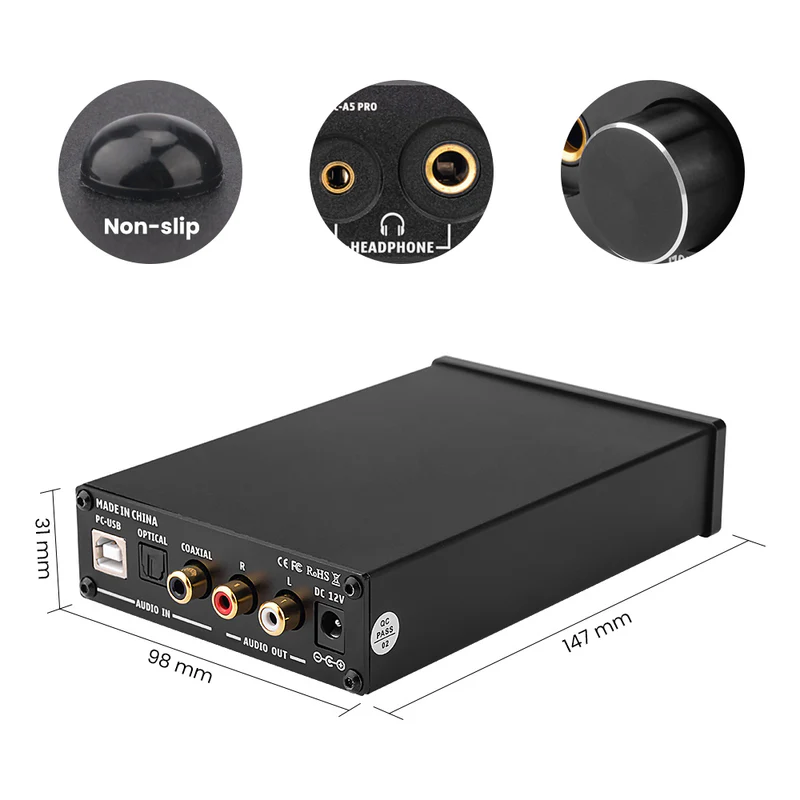
Product Dimension: L148.5 * W98 * H33mm
Working voltage: DC12V
Product Weight: 0.35kG Output level: 2V
Basic edition operation steps:
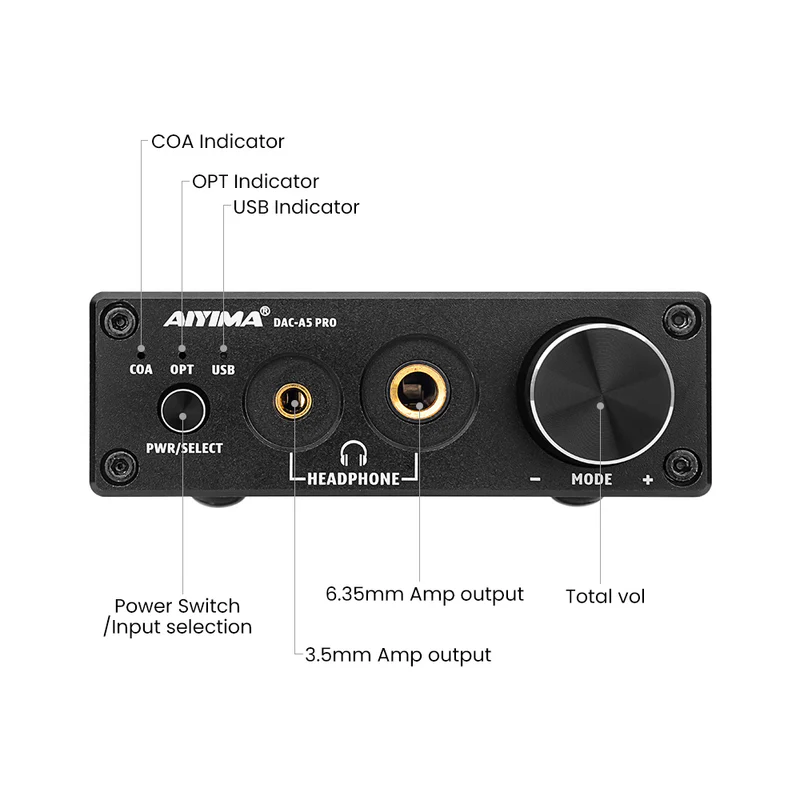
1.Make sure the VOL turnto the minimum.
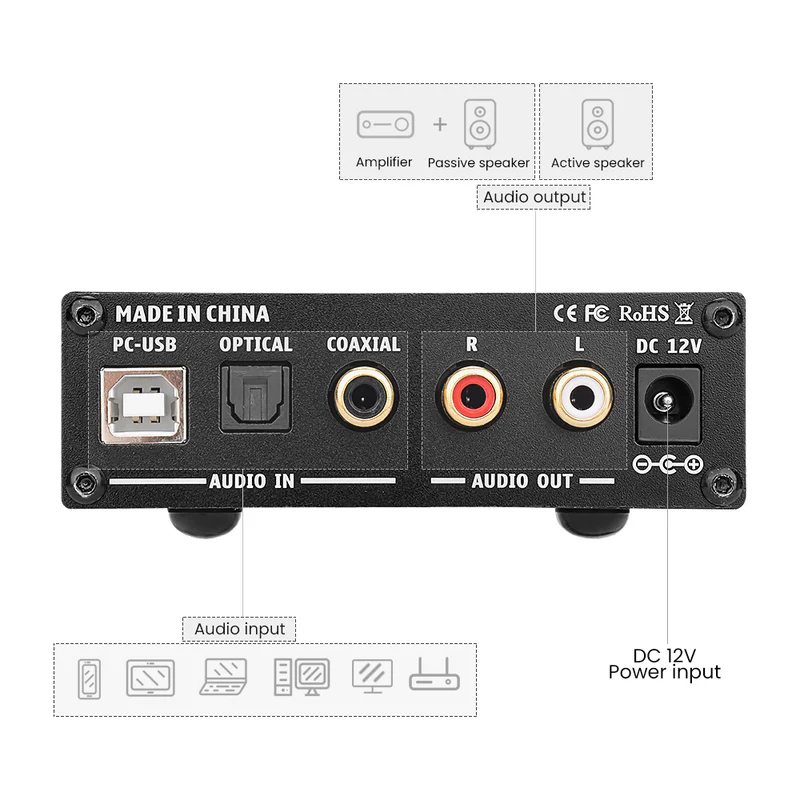
2.Connect the external back-end equipment to the output interface of sound source.
Parameters:
PC-USB input Sampling Frequency: 192K/24Bit
Optical/Coaxial input Sampling Frequency: 192K/24Bit
Frequency Range: 20H-20kHz (±3dB) PC-USB System supported: XP/W7/W8/10/MAC/linux
THD: 0.01%
Headphone Max power output: 400mW 32Ω load
SNR: ≥105dB
Headphone matching impedance:16-300Ω,
Product Dimension: L148.5 * W98 * H33mm
Working voltage: DC12V
Product Weight: 0.35kG Output level: 2V
Basic edition operation steps:
1.Make sure the VOL turnto the minimum.
2.Connect the external back-end equipment to the output interface of sound source.
3.Connect the sound source that needs to be used.
4. Connect to power.
5. Press the power switch.
6. Press the input signal selection switch to select the signal (the default input of boot is PC-USB)
7. Turn the VOL button clockwise to select the desired volume.
8. If the headphone head is 3.5mm, it can be connected with the 6.35rpm 3.5mm adapter configured by the manufacturer(to use RCA analog output, unplug the headset and unplug 6.35 to 3.5 heads)
PC-USB Operation Instructinos:
1. Connect the PC-USB interface of the rear surface of the machine with factory provided USB cable (USB can support hot plug)
2. Press the input signal selection switch to select USB input.
3. The following photo shows the icon with horn symbol in the lower right corner of PC
4. Right click to pop up the dialog box and click
5. Select the playback device recognized by PC in the pop-up dialog box (USB of this machine is automatic identification, no manual installation and drive).
6. Click to confirm the identified digital output.
Package list:
1* Headphone Amplifier
1* Cable
1* User’s Manual